

Defense
Sentra gives the security staff of a base one picture of the fence line, the gates and the restricted areas, on the cameras, recorders and sensors already installed. Every vehicle at the barrier is checked against a list, rules watch the perimeter around the clock, each site manages its own people and rights, and a remote depot keeps detecting when its link drops. Footage stays on a server the organization owns or in an isolated tenant hosted by Sentra, and every view and export is written to the audit trail.
Saved walls on a dedicated display, cameras with pan, tilt and zoom and presets.
Fences, gates and sensitive areas drawn on the camera picture, with a snapshot and a clip per alert.
Rights set by a command center, each base managing its own people
Views and exports written to an audit trail kept for two years
A day at a base and its depots
The same cameras, sensors and rules from the first shift to the night. All use cases
- 06:00Barrier
Each vehicle at the barrier is read and checked against the allowed list. The barrier opens for the list; the rest waits for the guard and is logged with a picture.
Access Control - 08:00Guard room
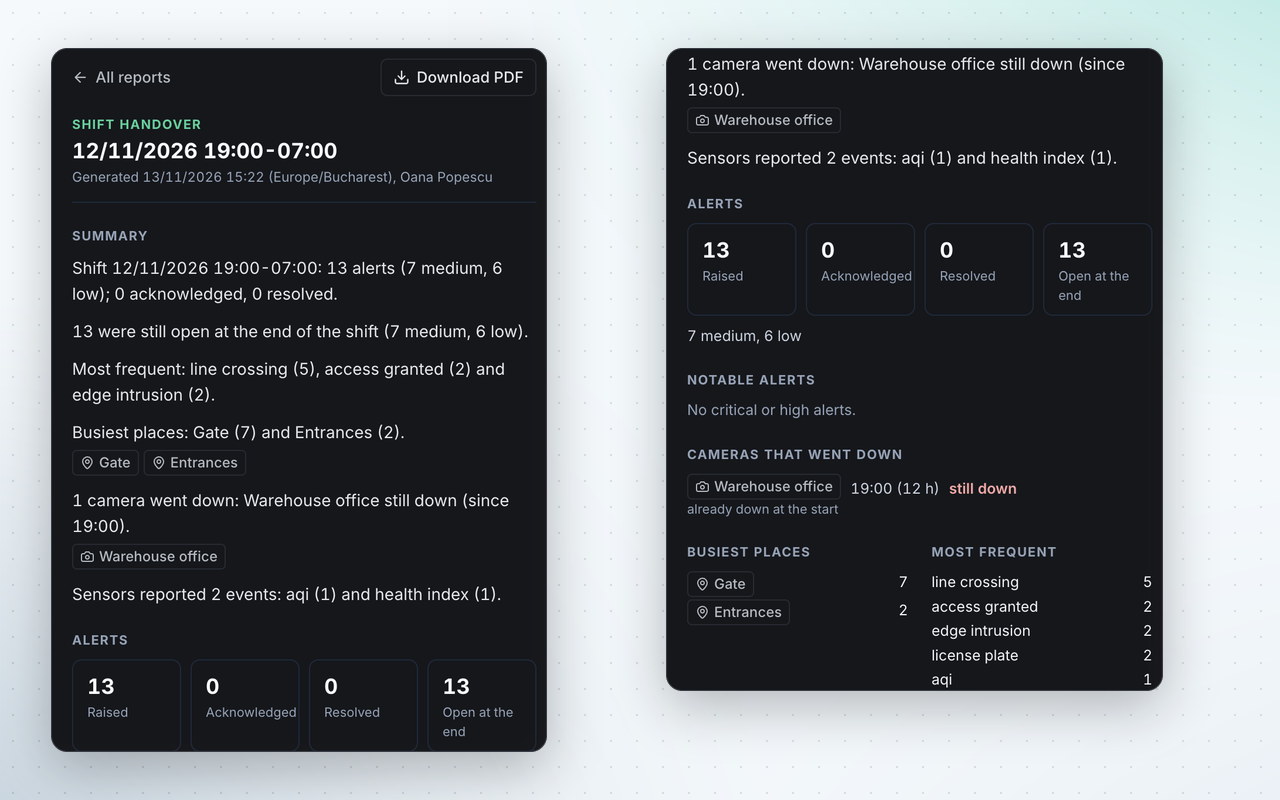
The day shift opens the night's handover report: what happened, what is still open, which cameras went down. The saved wall of the gates comes up on the screens.
Assistant and Shift Handover - 13:30Gate
Someone waits outside the gate longer than the rule allows. The alert arrives with a snapshot and a clip, and the gate camera opens on the wall.
Zones and Rules - 02:15Fence
An alarm line on the fence is crossed. The alert is critical and must be acknowledged, the map shows which camera saw it, and the patrol gets it on the phone.
AI Detection and Alerts - 03:00Remote depot
The link to the depot drops. Its engine keeps detecting on its own and delivers the alerts when the link returns.
Deployment options
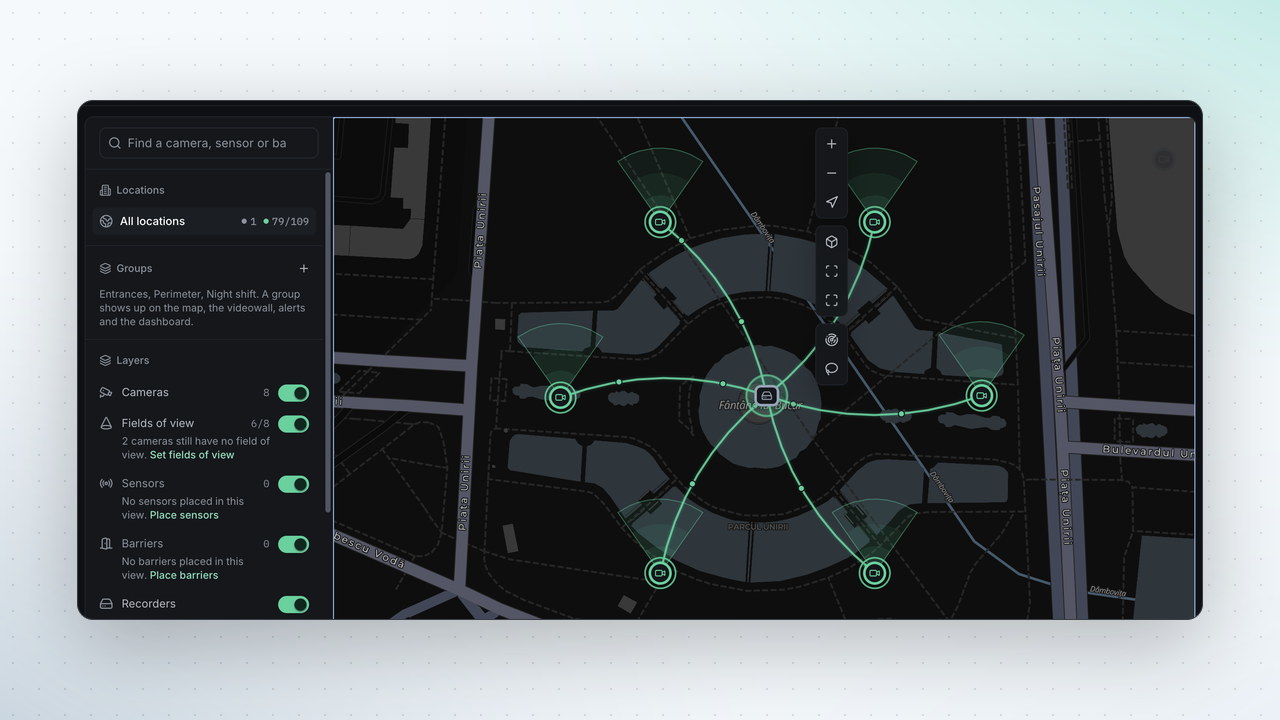
The site on the map
The live map shows every camera, sensor, barrier and recorder of the base with its state, and the field of view of each camera over the real ground. A camera that goes dark, is moved or is blocked is flagged on the map within the hour, not found at the next patrol.
The shift starts with the replay of the last 24 hours, place by place. A group of cameras drawn with a lasso opens as a wall or is saved as a group for the night shift, and buildings with several floors get their floor plans from the architect's drawings.
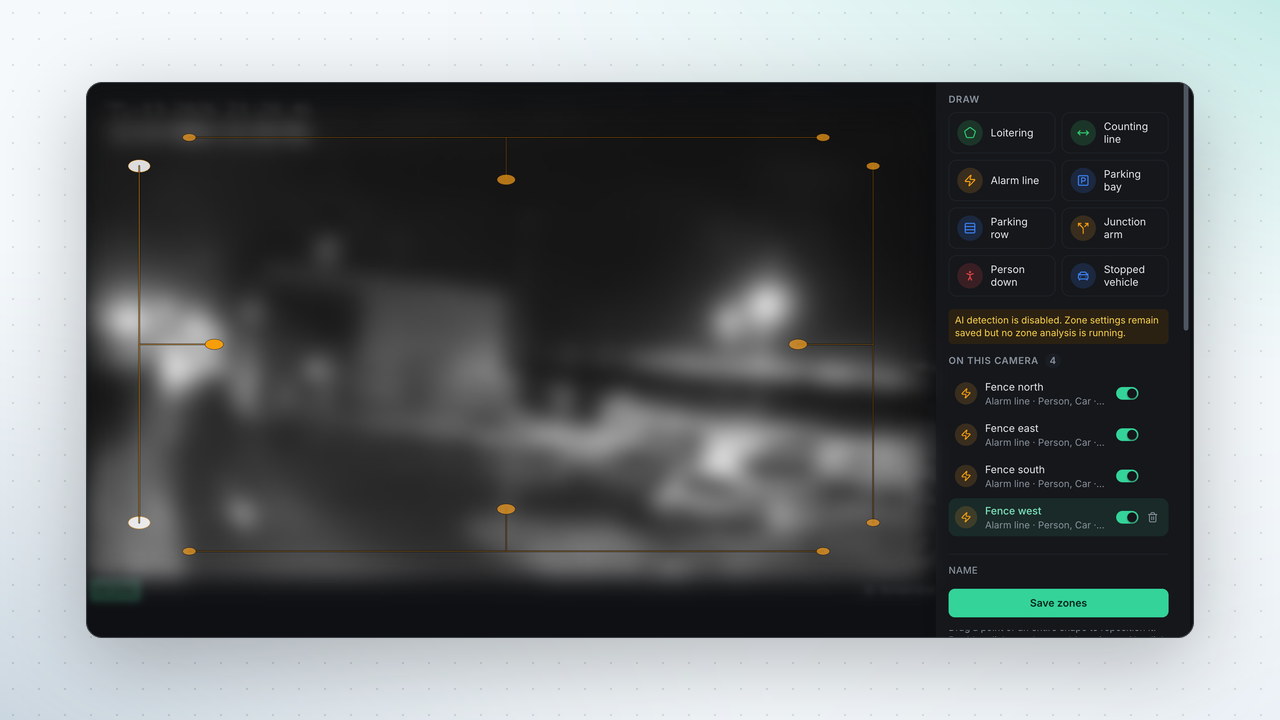
Fence lines, gates and restricted areas
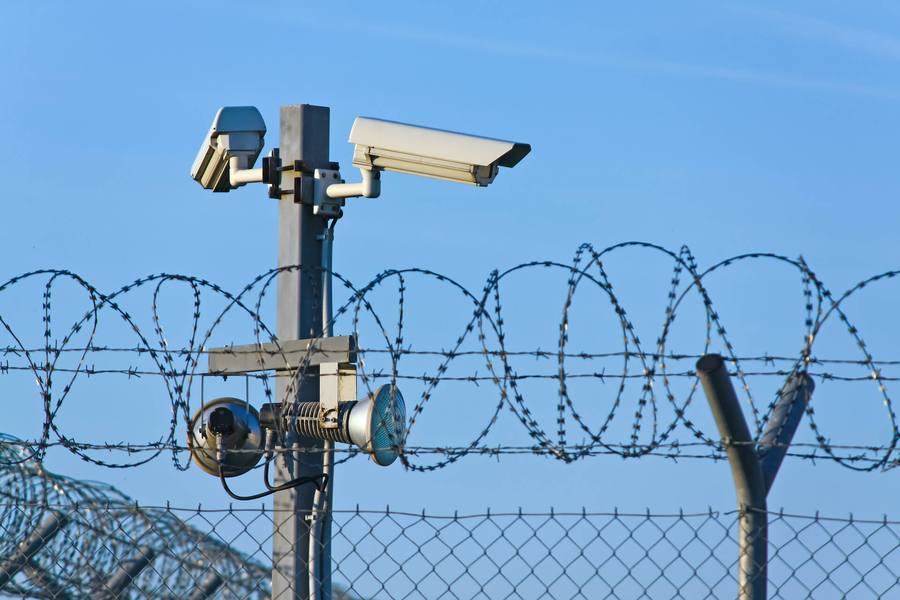
Alarm lines along the fence, drawn on the camera picture with a direction, raise an alert when they are crossed. Loitering zones cover the gates and the outside of the fence, a person down area covers the yards at night, and a restricted area raises an alert for anyone inside it outside working hours.
- Every alert with a snapshot and a clip, in the console and on the phone
- Critical alerts with a pop up and a sound, and an acknowledgement that cannot be skipped
- Review mode for the morning: the alerts of the night triaged from the keyboard
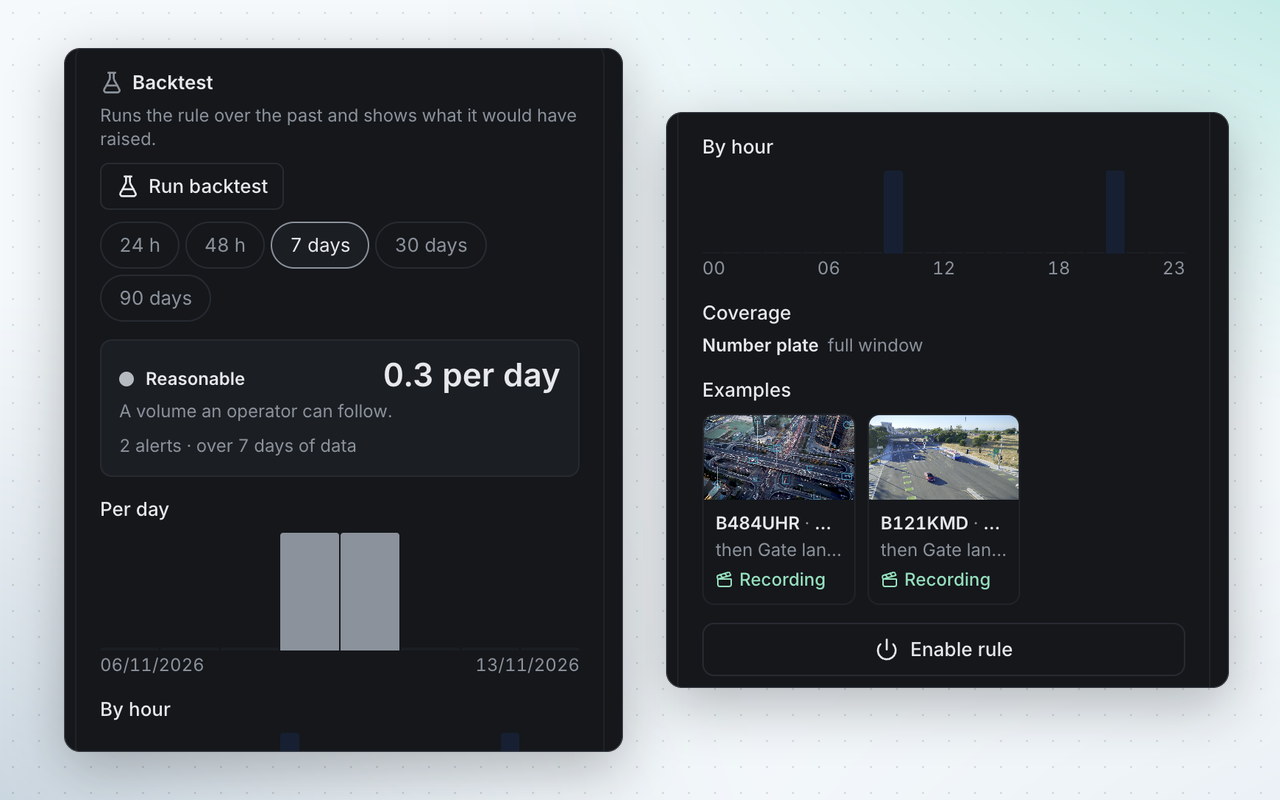
Rules tested on history before they are switched on
Smart rules tie the pieces together: a vehicle that enters a restricted area outside hours, the same plate at two gates within minutes, a sensor tampered with and movement at its door, a person on the fence line while a gate stands open. Each rule combines tracks, plates, sensor events and alerts.
Before a rule goes live it runs on the last weeks of recordings and shows how many alerts it would have raised, hour by hour, with examples. The guard room gets the alerts that matter, not a flood. Alert categories and severities are set per organization.
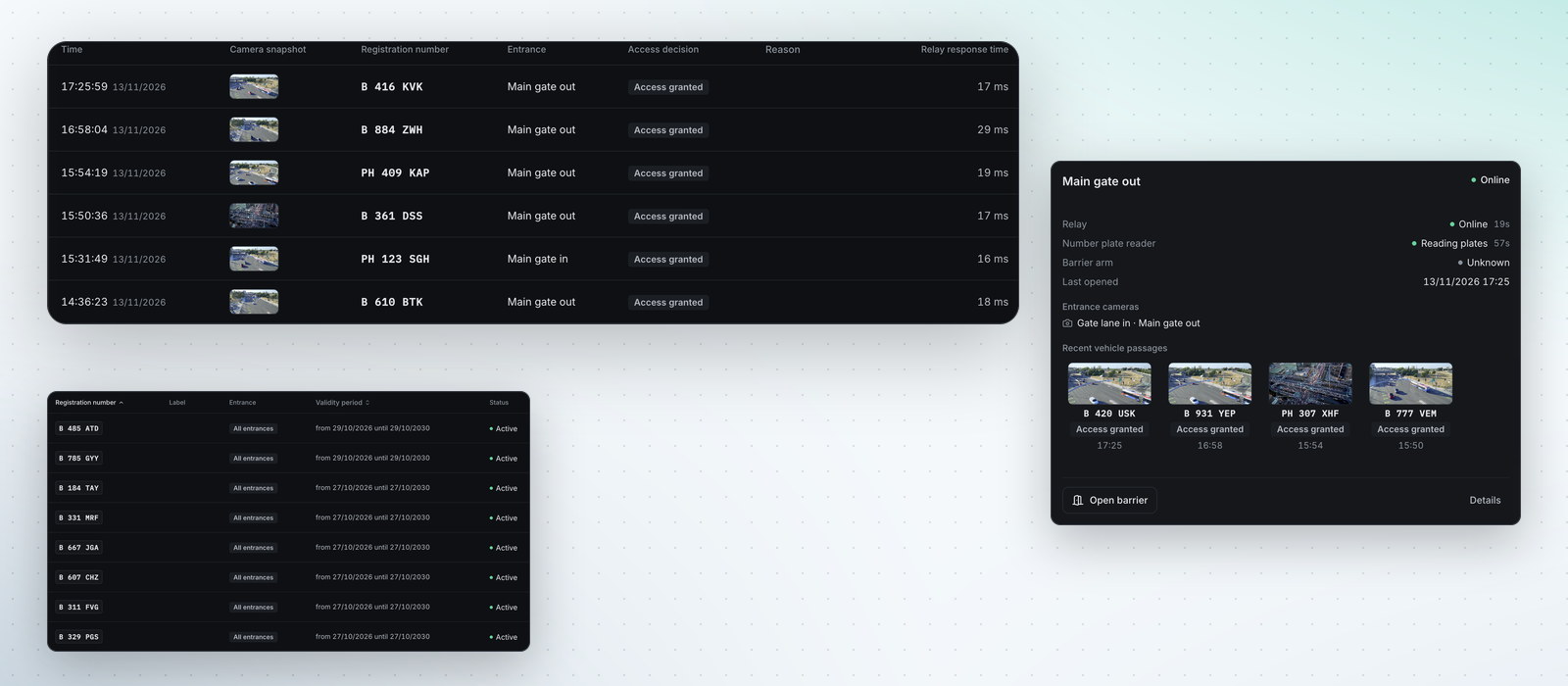
Vehicles at the barrier
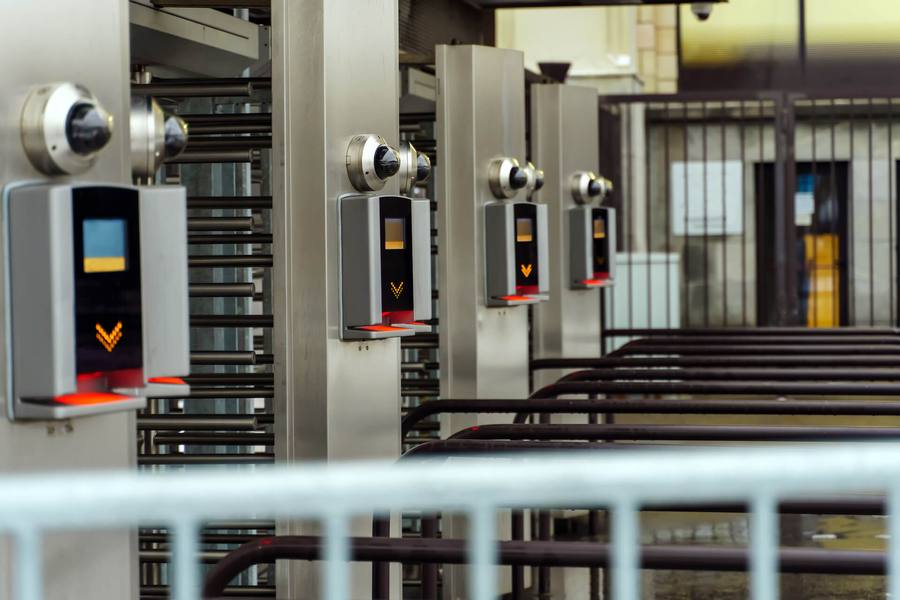
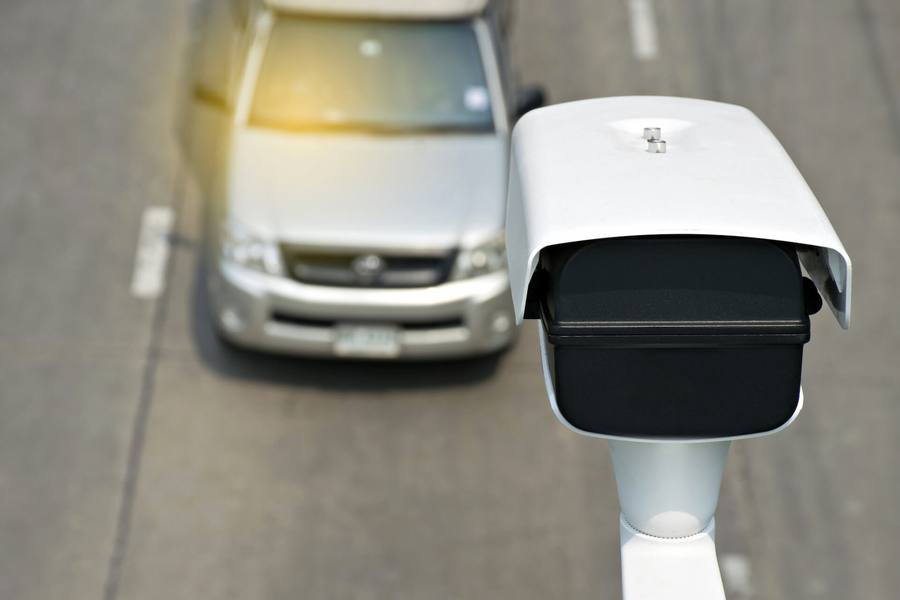
Plates are read at the barrier and checked against the allowed list and the watchlist. The barrier opens for the vehicles on the list, logs every passage with a picture, and keeps a manual open for the guard. A vehicle of interest raises an alert with the camera and the picture, and its route across the site can be followed on the map.
- Allowed lists per gate, kept by the site's own staff
- Counting lines at the gates give the number of people and vehicles on site
- Every passage, granted or refused, in the activity log
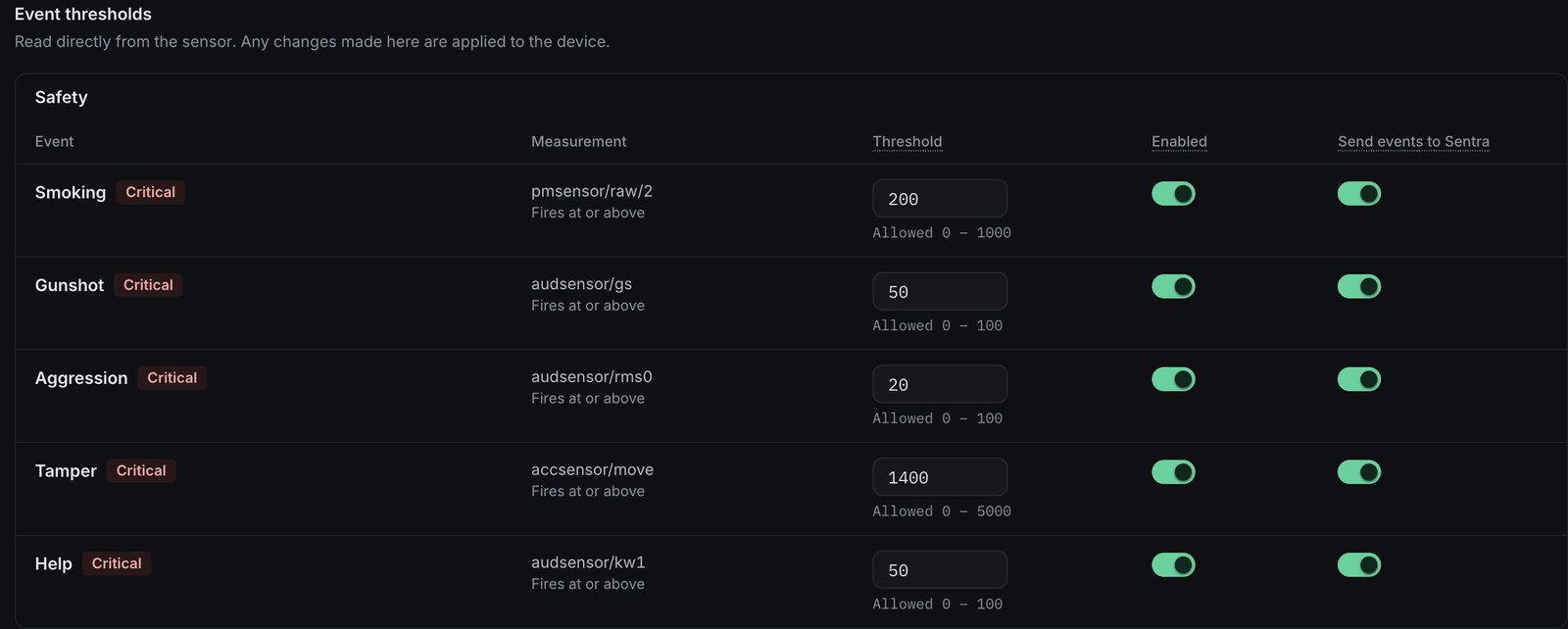
Rooms where a camera is not allowed
Stores, workshops, sleeping quarters and changing rooms are covered by sensors: smoke, aggression, a gunshot, a call for help, a device tampered with. The event lands in the same inbox as the camera alerts, with no camera in the room.
The cameras that see the door show who went through it around the event. Air readings, temperature and humidity are kept as a history for the store rooms that need them.
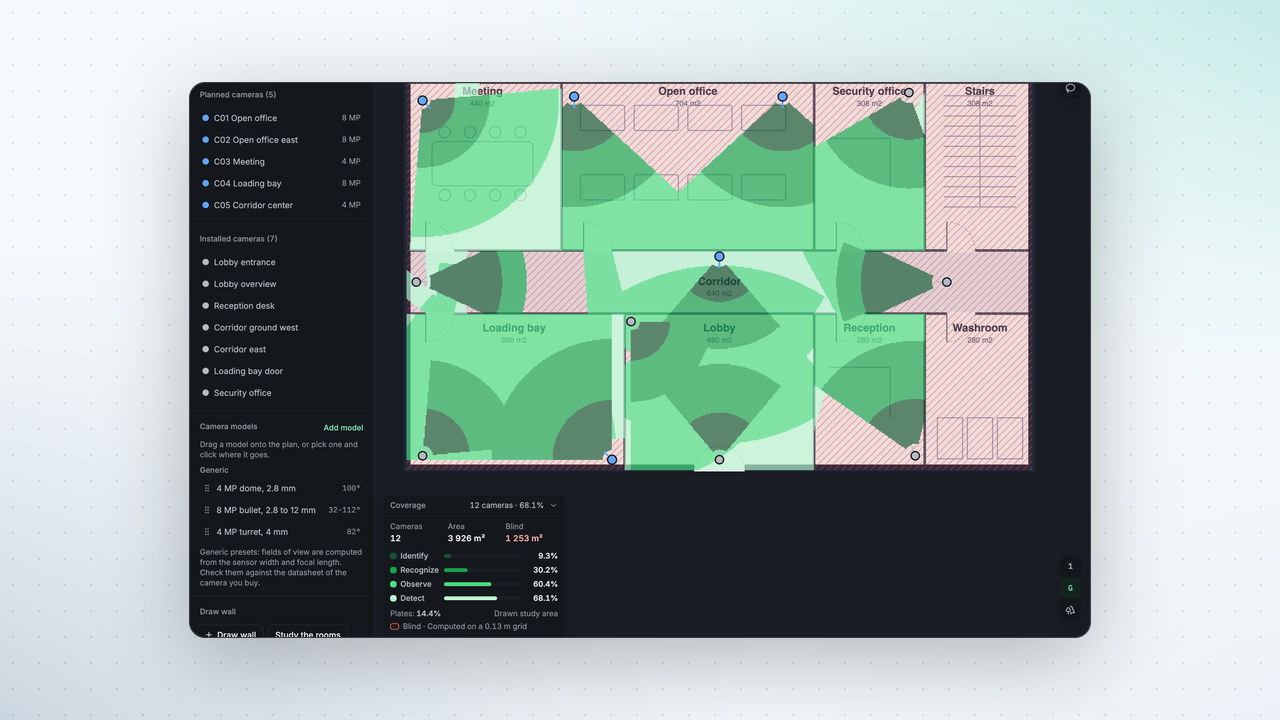
Planning the cameras before they are bought
A new fence line or an extension starts on the real drawing of the site. The planner places cameras on the plan, shows what each one would detect, observe, recognize or identify, and marks the blind spots. The study prints for the procurement file.
Once the cameras are installed, the plan is checked against what was built: planned and installed, side by side, with the gaps.
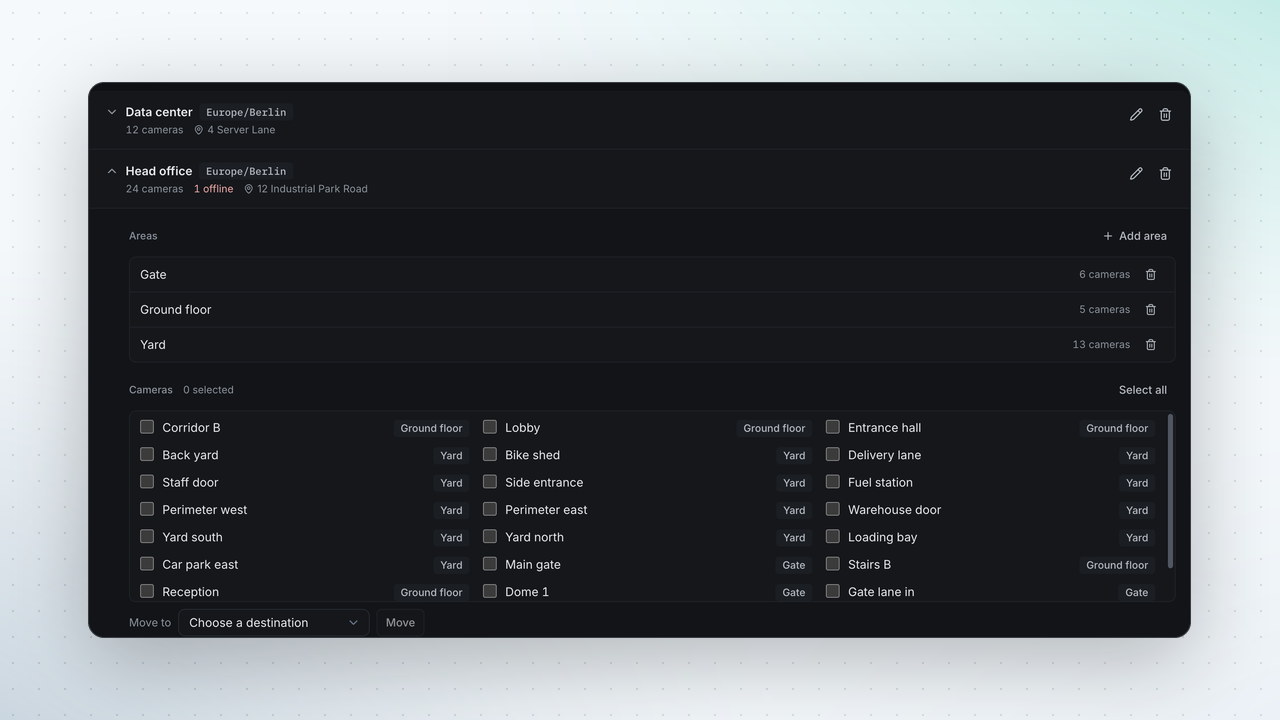
Several sites, each with its own people
Bases, depots and field installations sit in one organization tree. The command center sets the alert categories, the notification policy and the retention once, and each site administers its own cameras and people.
- Roles built from rights, five standard ones or your own
- Each person sees only the sites and cameras assigned
- Camera groups per site, by hand or by rule, on every screen
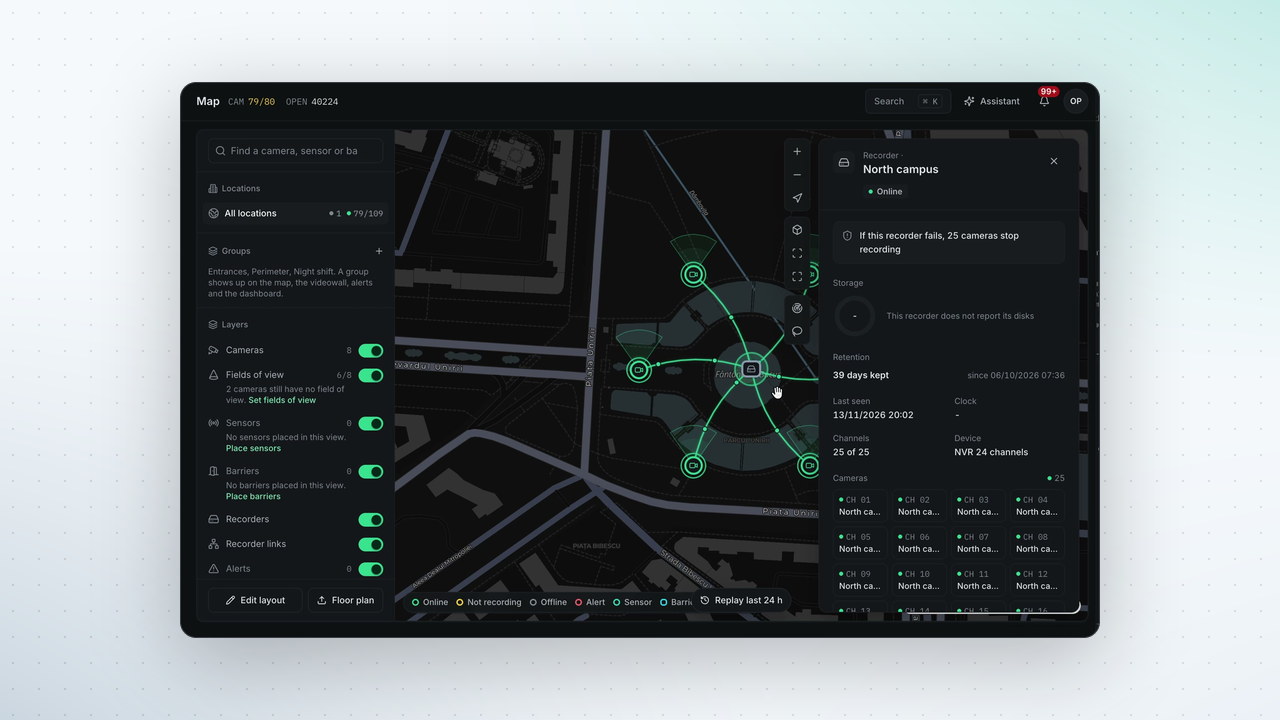
Recorders, remote sites and outages
The recorders the organization already owns connect with their channels, disks and retention, and the map shows what depends on each one: which cameras stop recording if it fails. A recorder that fills up or a disk that drops out is seen the same day.
When the link to a remote site drops, the engine there keeps working on its cached configuration and delivers its detections once the link returns. Detection runs on the organization's own servers, with no external service.
The guard room and the shift handover
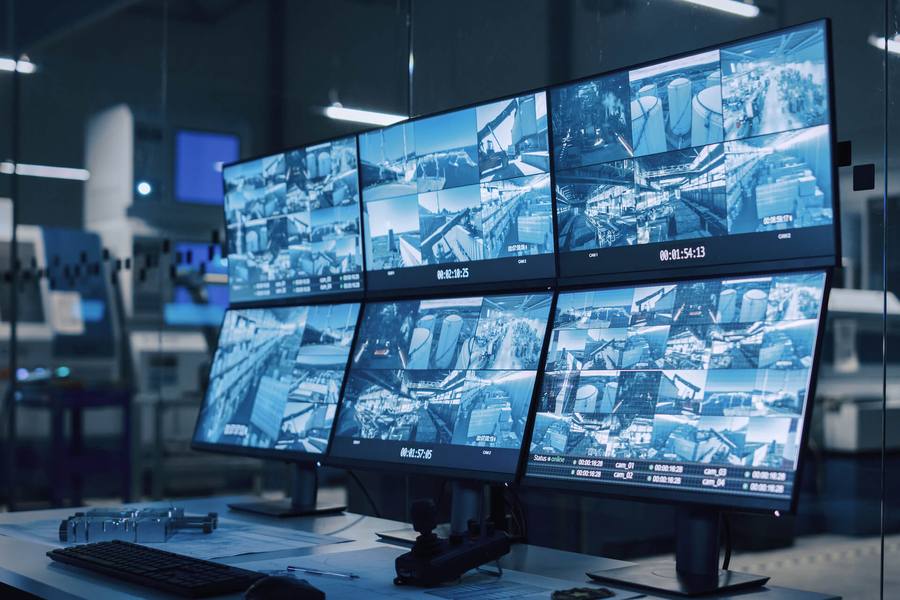
The desk works from one dashboard: the live cameras of the moment, the alerts that need a response, the map with every device and its state, and a wall of the gates on a dedicated screen. The assistant keeps a situation summary up to date and answers questions in plain language, with its sources, when a language model is connected.
At each shift change the platform writes the handover: what happened, what is still open, which cameras went down, with a note for the next shift, sent by email as a PDF.
Evidence and reports
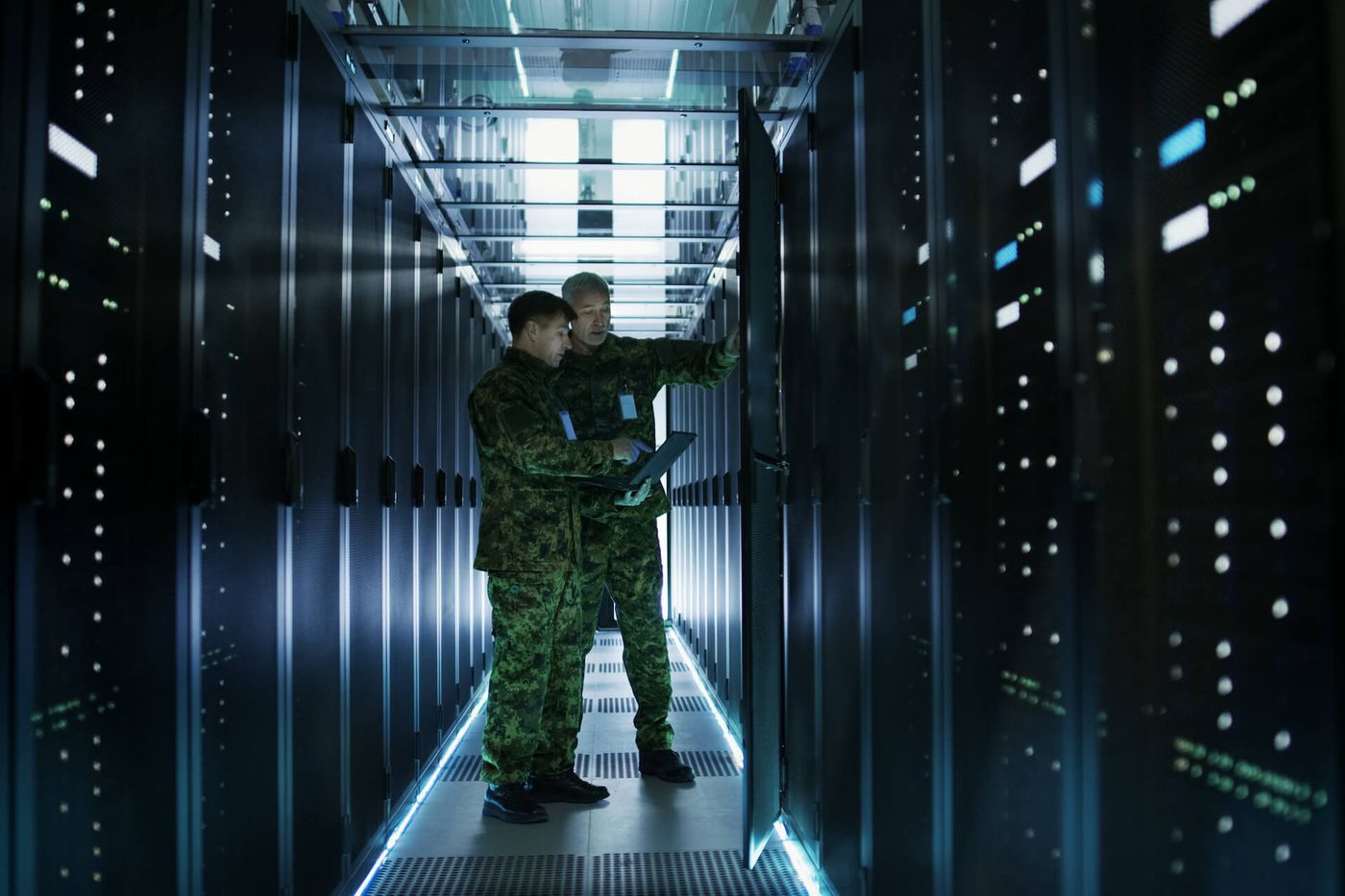
An incident becomes a case file: the route of a person or vehicle across the cameras, the clip around each sighting, the plate reads and the sensor events, in time order, with a summary. The file leaves as one signed package, with the reason for the export recorded, and whoever receives it can verify it without access to the platform. Every view and export stays in the audit trail kept for two years, and the weekly report with the alerts per site and the cameras that went down goes to the head of security by email.
Defense use cases


Deployment options
Sentra runs on a server you own or hosted and operated by Sentra in an isolated tenant. The pages, rules and retention are the same in both cases.
Capabilities on this page: Map, Zones and Rules, AI Detection and Alerts, Access Control, Counting, Sensors, Coverage Planning, Live Video and Videowalls, Assistant and Shift Handover, Investigations, Recordings and Evidence, Reports and Audit.
See it on your own cameras
A demo can run on your cameras or on a Sentra demo site, self hosted or hosted by Sentra. Tell us which events and figures you need, and we prepare it.