

Transportation
Sentra gives a road authority, a city or a station operator one picture of its network, on the roadside cameras and the recorders it already owns. Turning movements at the junctions, a stopped vehicle in the tunnel, free spaces at the station car park, the concourse at rush hour and the handover between shifts in the control room, in one console. Footage stays on a server the authority owns or in an isolated tenant hosted by Sentra in Romania, and every view is written to the audit trail.
Vehicles counted from each arm to each exit, by class, with a spreadsheet export.
Counting lines on street cameras, as a before and after record for a road scheme.
Parking occupancy from bays drawn on the car park camera, live.
Every count states how much of the period the camera actually covered.
A day on the road network
The same cameras, sensors and rules from the first shift to the night. All use cases
- 07:30Junction
The morning peak is counted from each arm to each exit, by class, and the figures go into the junction study.
Parking and Junctions - 08:15Station car park
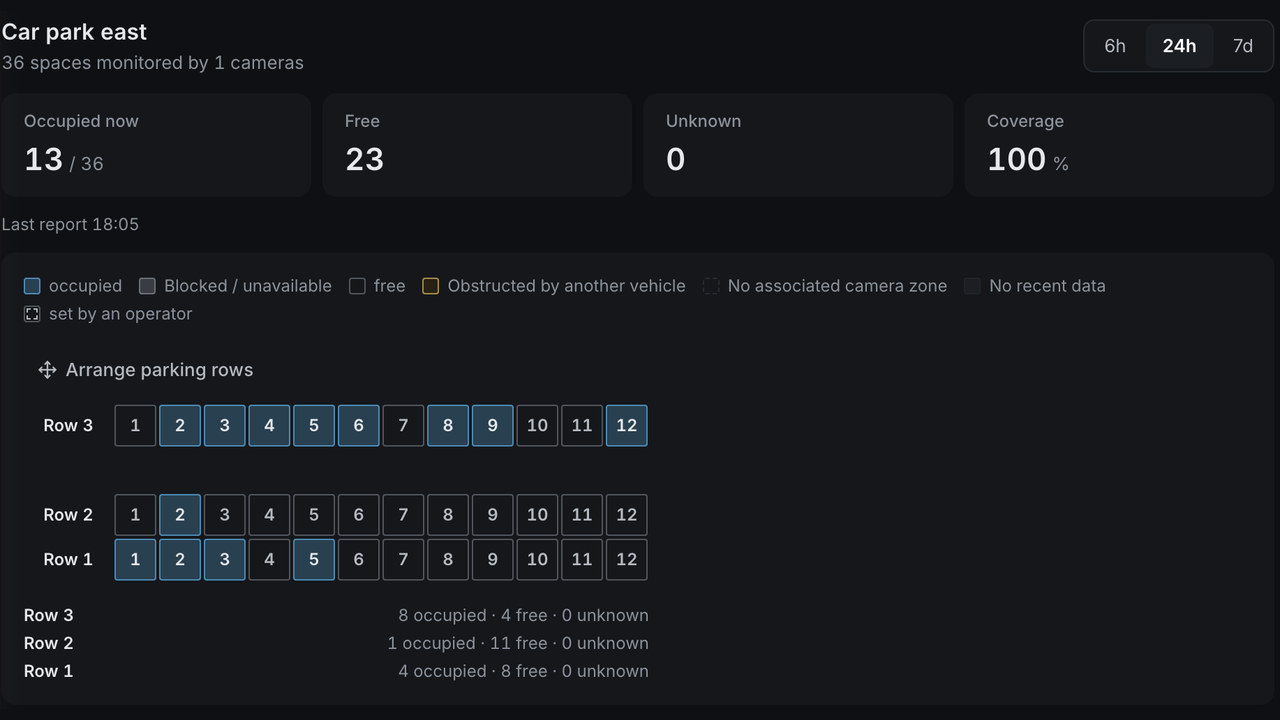
The park and ride fills up. Free spaces per row are live on the board and on the map of the station.
Parking and Junctions - 12:00Tunnel
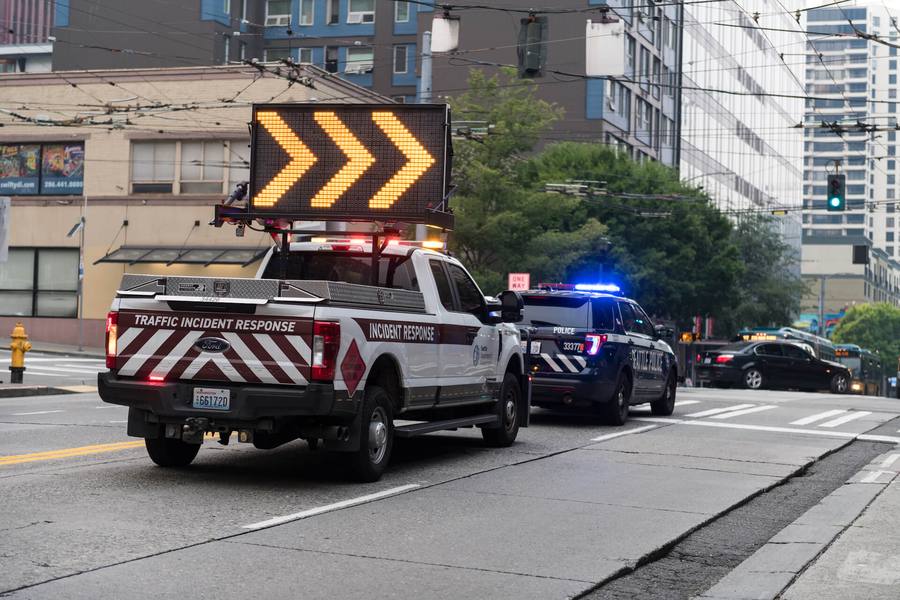
A vehicle stops in the tunnel. The alert reaches the control room with the clip, and the cameras on either side open on the wall.
Zones and Rules - 18:40Platform
Unattended luggage on the platform raises an alert. The operator looks back on the cameras of the concourse to see who left it.
AI Detection and Alerts - 22:00Control room
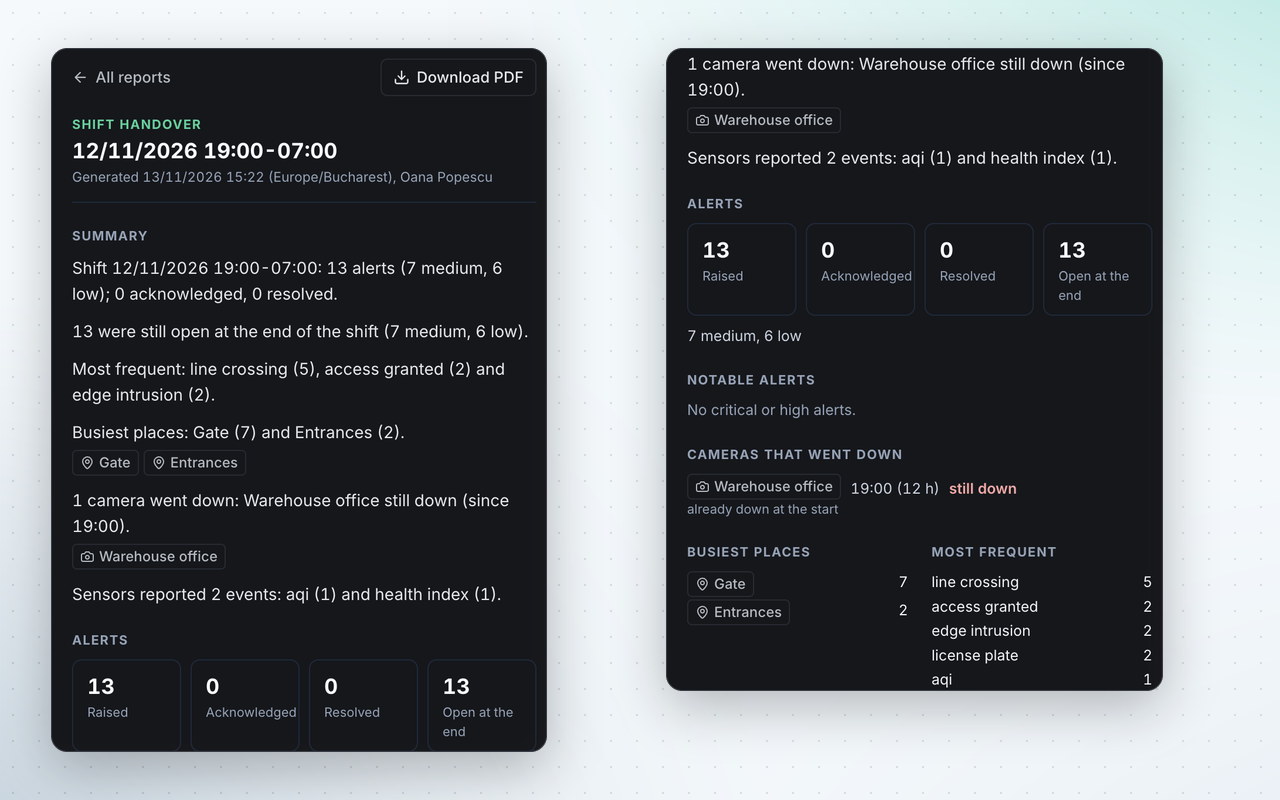
The night shift starts from the handover report: the incidents of the day, what is still open, the cameras that went down on the remote links.
Assistant and Shift Handover
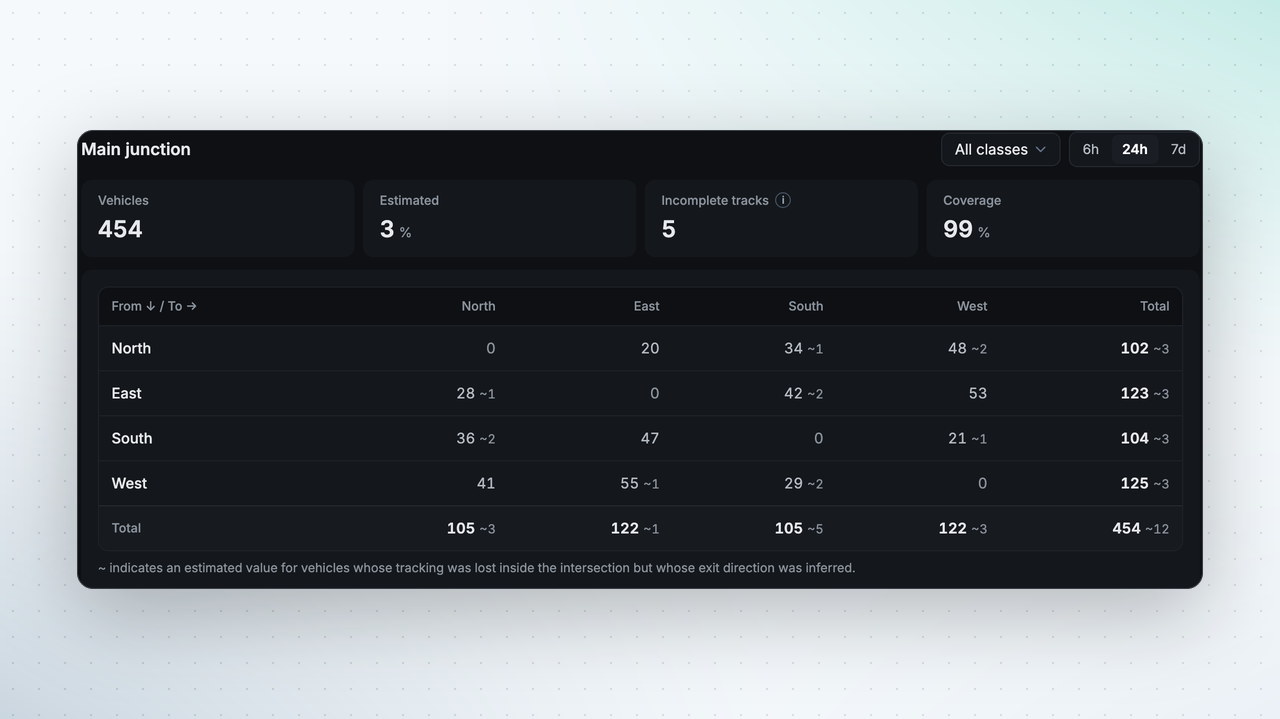
Turning movements at the junctions
Arms drawn on the junction camera count vehicles from each arm to each exit, by class, around the clock: cars, large vehicles, two wheelers. The matrix shows the morning and the evening peak, and the counts feed the signal plan, the roundabout study and the check after a scheme is changed.
- A counting line on any road camera gives vehicles per hour by class, the before and after record for a road scheme
- Figures exported as a table or sent as a scheduled report
- Counted on the cameras already on the poles, not on new sensors in the road
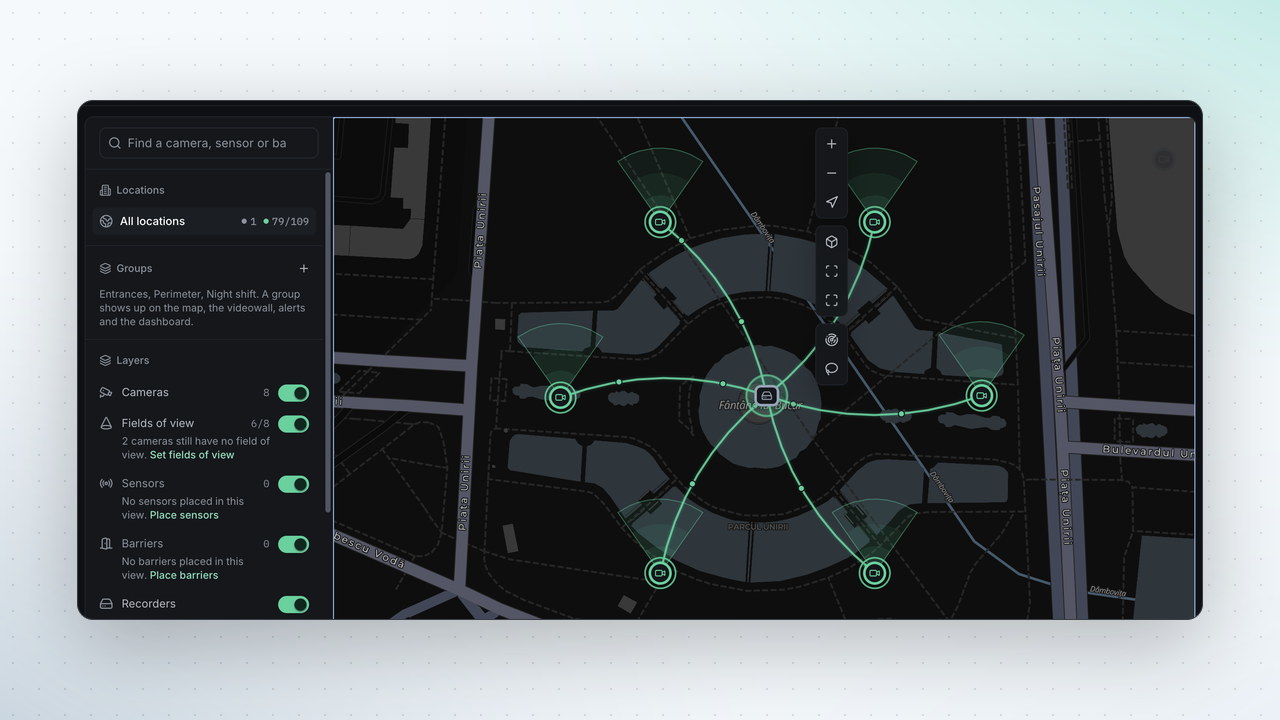
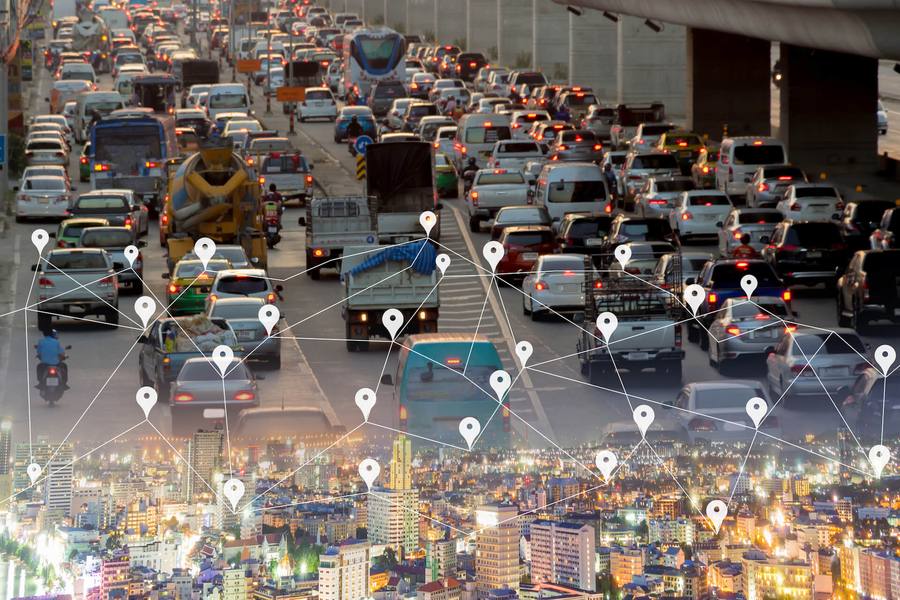
The whole network on one map
Every roadside camera, every recorder in a cabinet and every barrier sits on the map with its state. A camera on a remote link that goes dark, a recorder that stops recording, a camera that has been moved, blocked or knocked out of focus is flagged the same day, not at the next incident. Analysis at a remote site keeps running through a link outage, and its detections arrive when the link returns.
The last 24 hours replay on the map, place by place, so the morning shift sees where the night's alerts were before it opens a single camera.
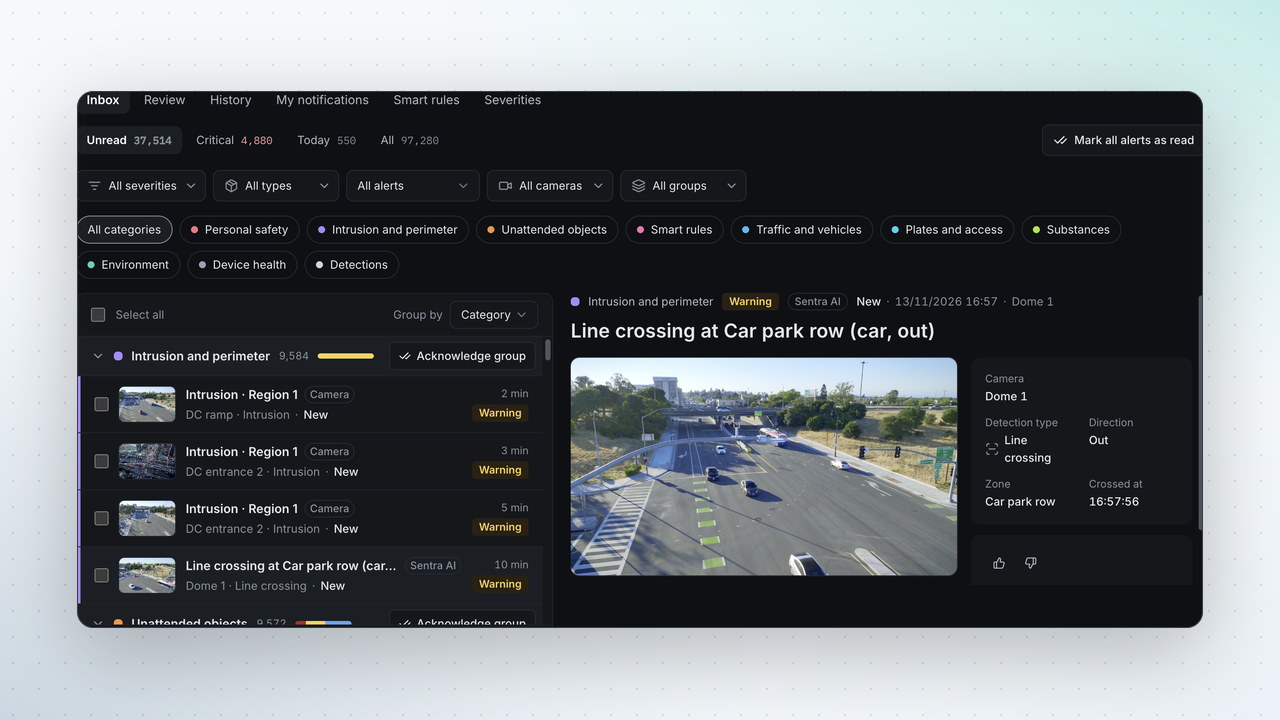
Incidents on the road and in the tunnel
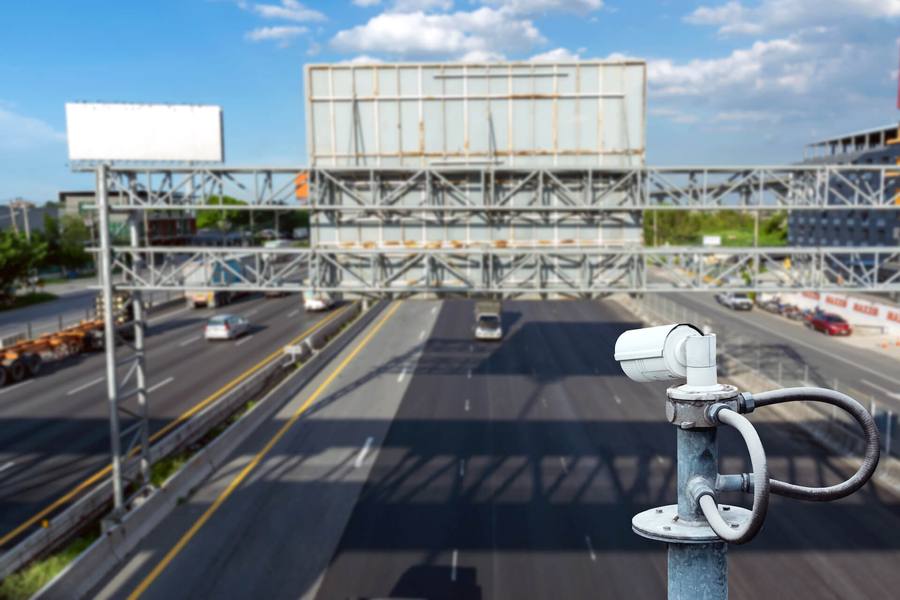
A stopped vehicle zone on the shoulder or in the tunnel raises an alert when a vehicle stays where it should not; a person on the road and a vehicle crossing a line against the direction of travel at the tunnel mouth raise theirs. Each alert carries a snapshot and a clip, and a critical one pops up with a sound and has to be acknowledged.
Cameras with their own analytics report into the same inbox, grouped so that a hundred repeats of the same event read as one. In review mode an operator clears a night of alerts from the keyboard: dismiss, false positive, keep.
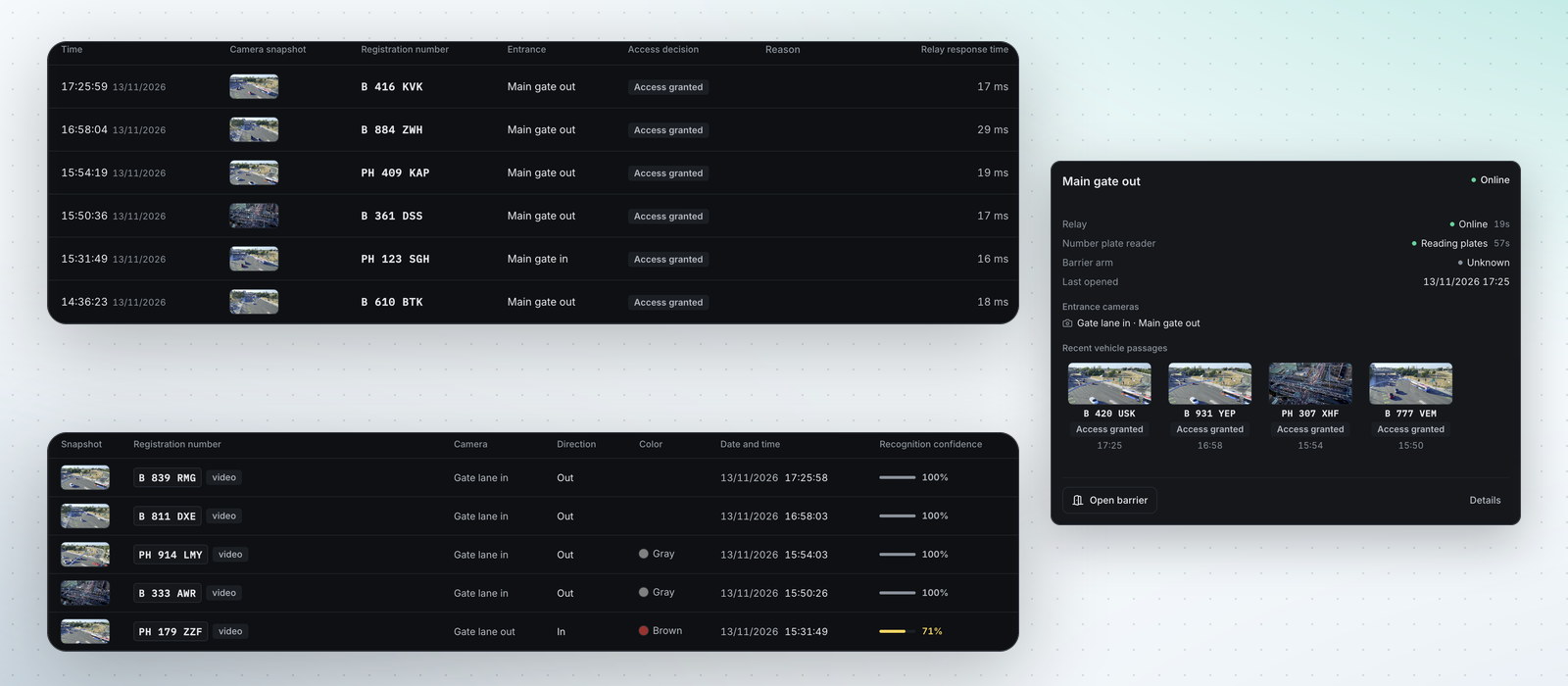
Vehicles of interest and the depot barrier
Plates read on the roadside cameras are matched against a watchlist: a stolen car, a vehicle under a ban, a heavy vehicle on a road where it is not allowed. The alert reaches the control room or the police with the picture and the camera, and the route of the vehicle across the network can be followed on the map.
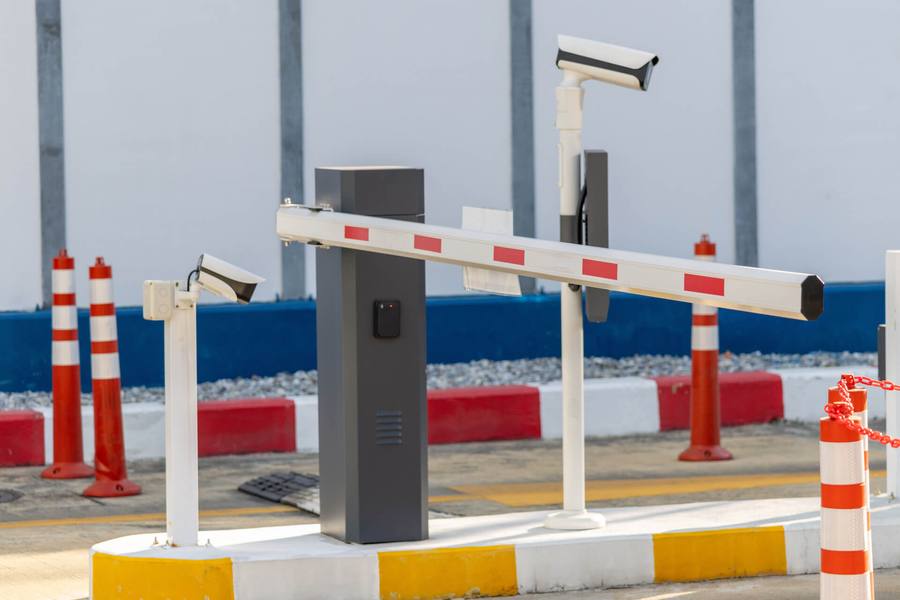
At the depot, the toll plaza and the restricted zone, the barrier opens for the vehicles on the list, logs every passage with a picture, and keeps a manual open for the guard.
Parking at the stations
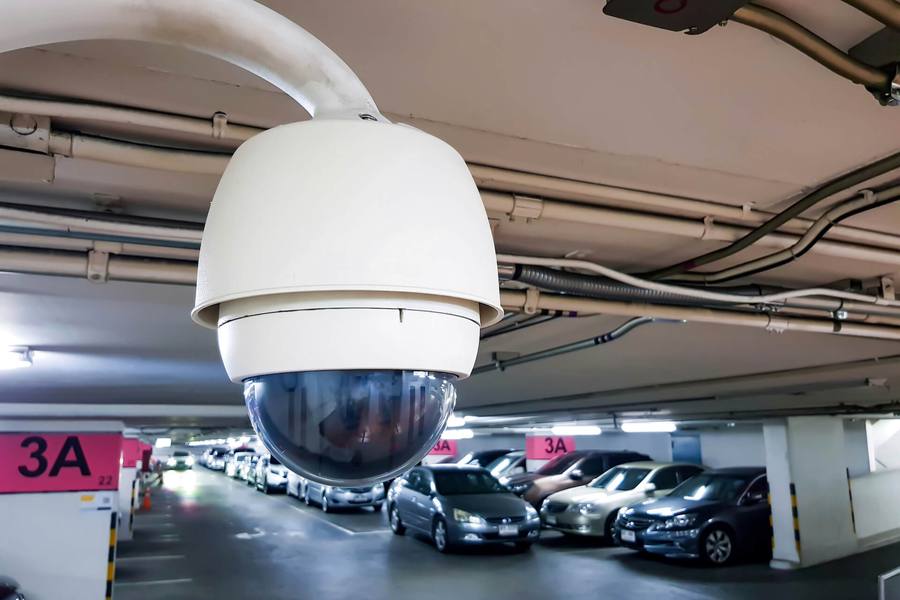
A camera over the station car park knows which bays are free, which row is full and how long cars stay; a counting line at the entrance knows how many are inside. The operator sees the occupancy of its car parks on one board and can show the free spaces to drivers before they turn in.
- Occupancy per row and per car park, live and over the day
- Park and ride sites and the drop off lane on the same board
- Plates at the barrier for the season ticket holders, logged with a picture
Platforms, concourses and underpasses
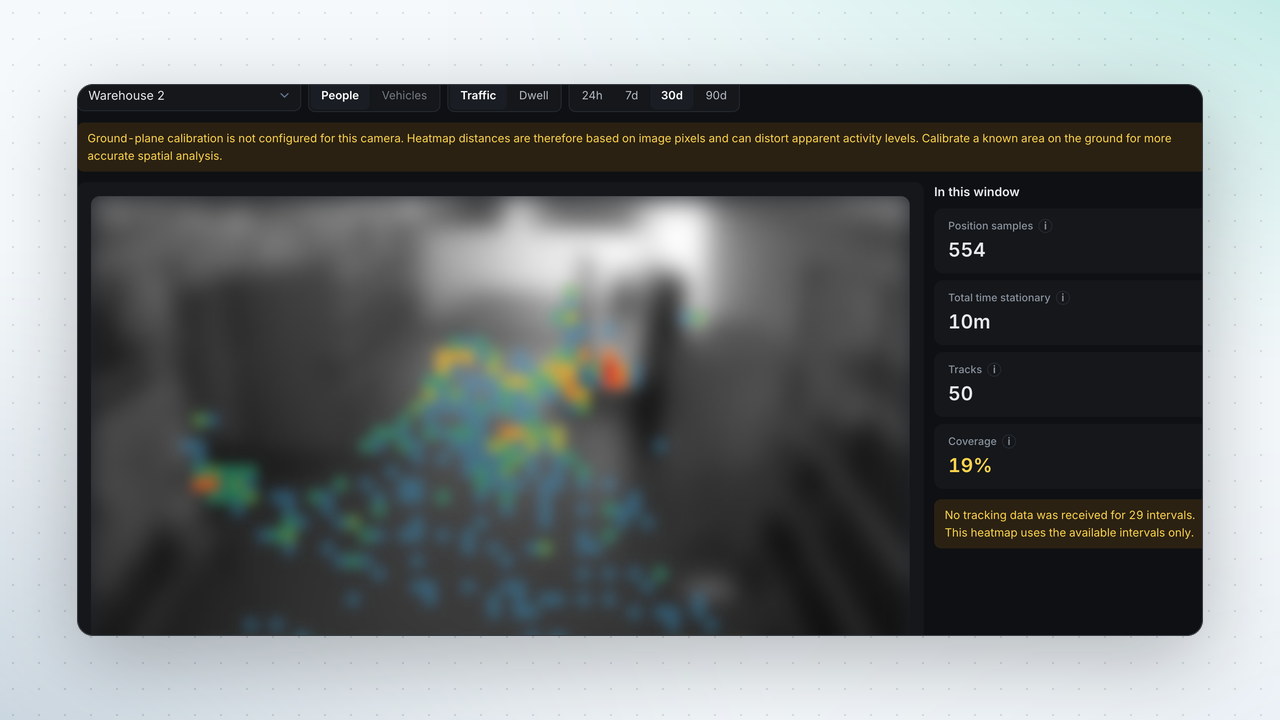
Counting lines at the gates give people in and out per platform and per hour, and a heatmap over the concourse shows where people gather and when, for the timetable, the cleaning plan and the event days. Unattended luggage on a platform, a person on the ground in an underpass and loitering at night raise alerts with a snapshot and a clip.
Where a camera is not allowed, in a toilet or a staff room, a sensor reports smoke, vaping, aggression or a call for help, and the cameras on the door show who went in before and who came out after.
Rules written for the network, tested on history
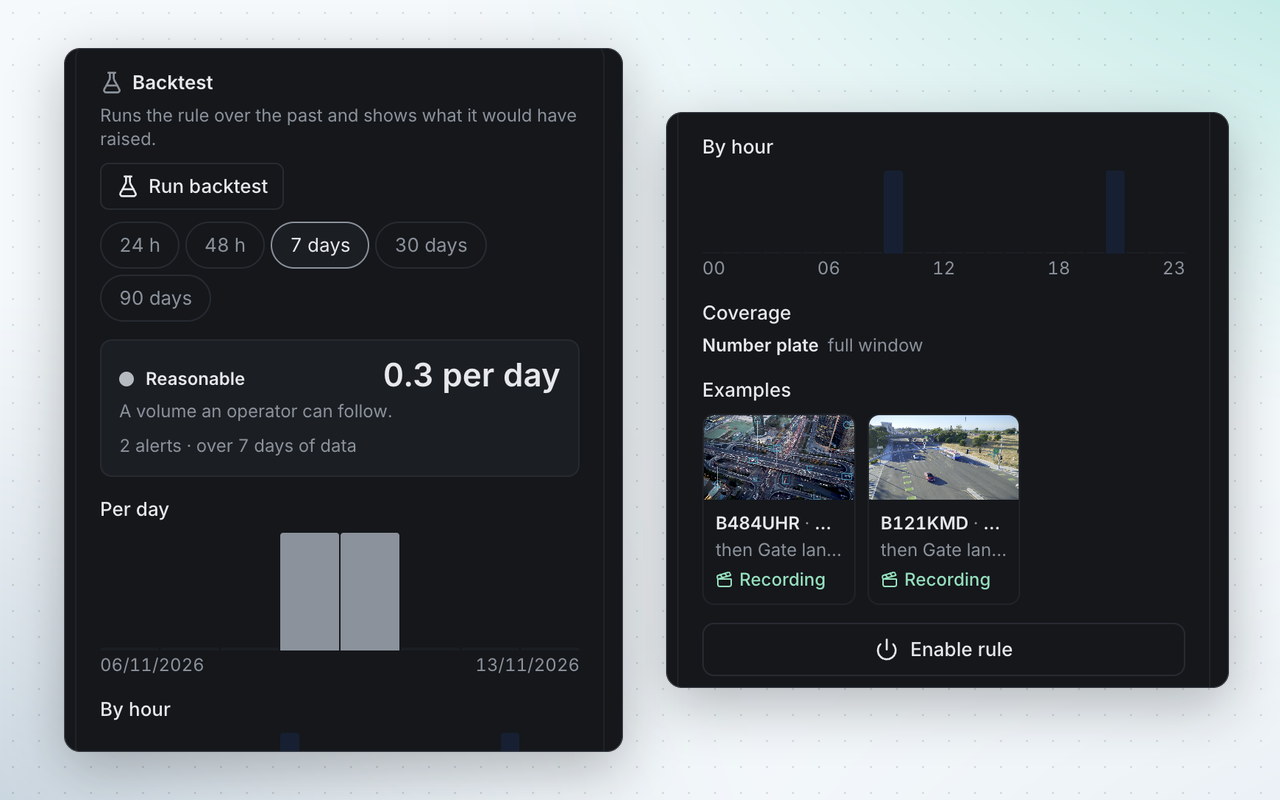
Smart rules tie events together: the same plate read at two cameras within the hour, a stopped vehicle in the tunnel followed by a person on the lane, a line crossed against the direction at the ramp at night. Each rule has its own severity and its own recipients.
A rule is run over the last weeks before it is switched on, with the count of alerts it would have raised and the examples, so the control room gets alerts worth a patrol and not a flood.
The control room, from the wall to the shift change
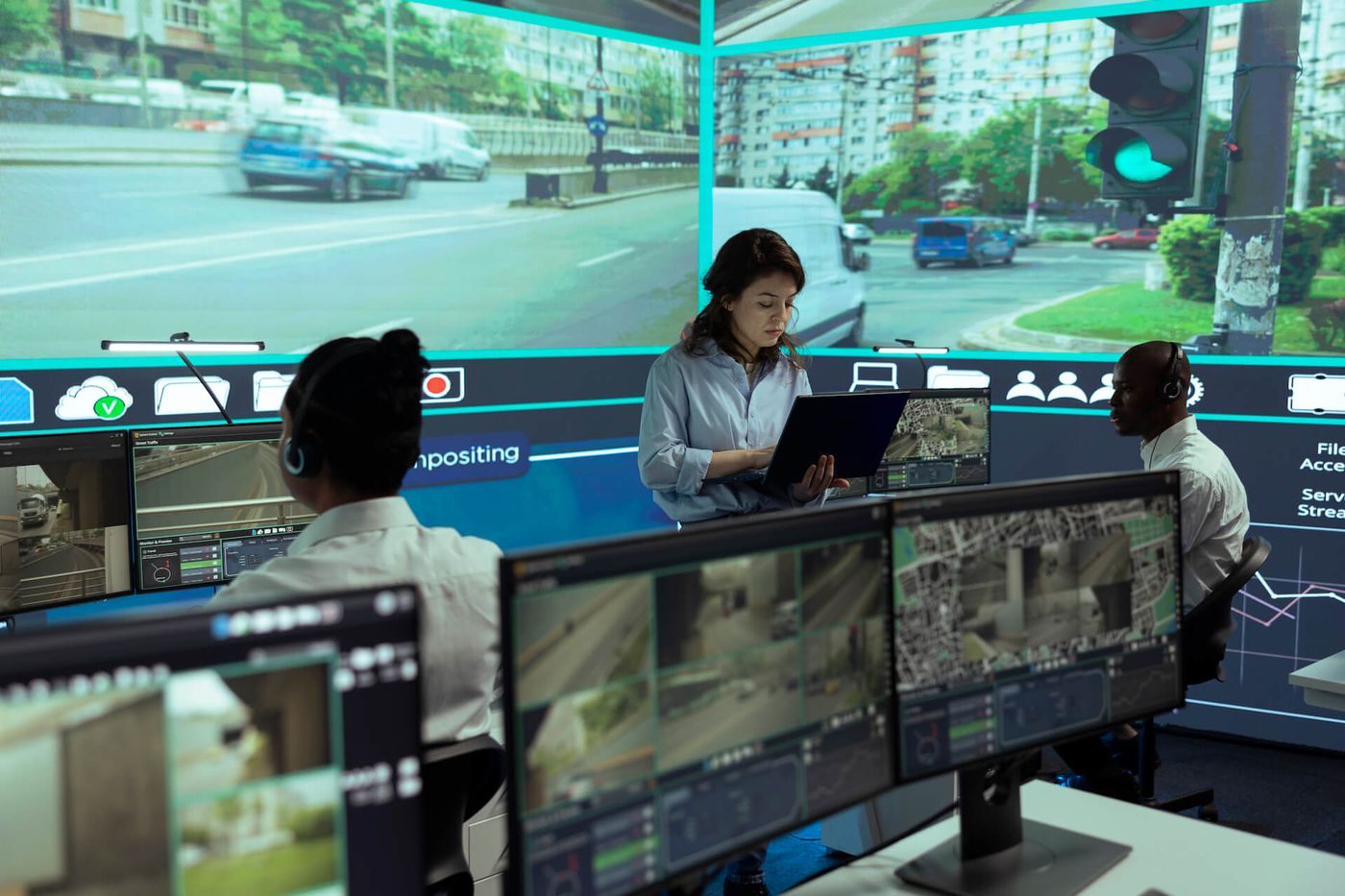
The operators work from one dashboard: the live cameras of the moment, the alerts that need a response, the map with every device and its state, and a videowall built from camera groups, picked by hand, by rule or with a lasso on the map. The assistant sums up the situation in a few lines whenever asked.
At each shift change the platform writes the handover: the incidents of the shift, what is still open, the cameras that went down on the remote links, with a note for the next shift, emailed as a PDF.
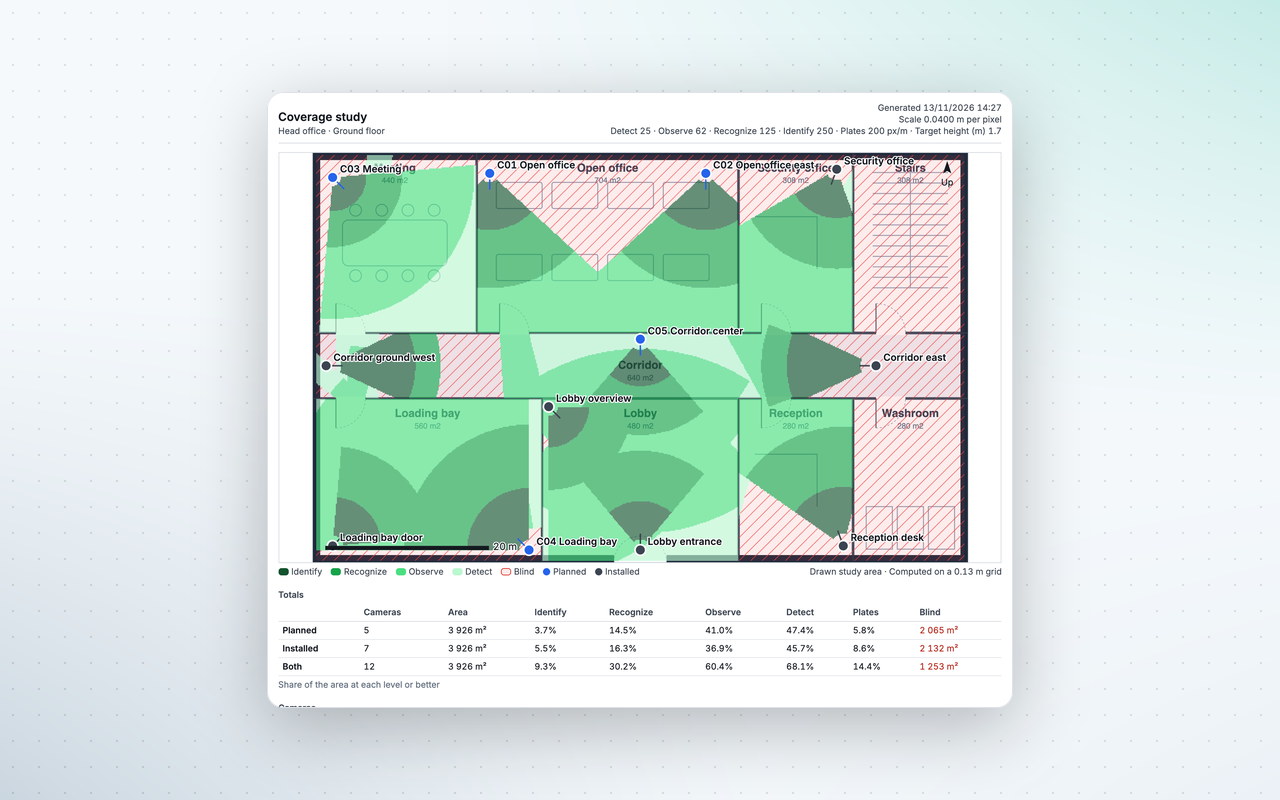
A new stretch of road, planned before the cameras are bought
Coverage planning puts the cameras on the drawing of the new interchange, the tunnel or the car park before the tender. Each camera model shows where it detects a vehicle, where it observes, where it recognizes and where it reads a plate, and the blind spots stand out on the drawing.
The printable study goes into the tender file, and once the cameras are in, the planned and the installed coverage sit side by side on the same drawing.
Reports to the authority, evidence for the police
Every count carries the share of the window it covers, so a gap in the footage shows as a gap and not as a quiet hour. The figures per junction, per road and per car park go to the authority by email on a schedule, as a PDF with its name and logo, or as a table for the traffic model.
An incident becomes a case file: the clips from the cameras along the road, the plate reads and the alerts in time order, exported as a signed package that the police verify outside the platform. Every view and export is in the audit trail, and each role sees only its cameras.
Transportation use cases
Deployment options
Sentra runs on a server you own or hosted by Sentra. Each engine keeps working through link outages, and capacity grows by adding nodes as cameras are added. The pages, the rules and the retention are the same in both cases.
Capabilities on this page: Parking and Junctions, Counting, Map, AI Detection and Alerts, Zones and Rules, Access Control, Heatmaps, Sensors, Live Video and Videowalls, Assistant and Shift Handover, Coverage Planning, Investigations, Reports and Audit.
See it on your own cameras
A demo can run on your cameras or on a Sentra demo site, self hosted or hosted by Sentra. Tell us which events and figures you need, and we prepare it.